
Views: 0 Author: Site Editor Publish Time: 2026-06-08 Origin: Site


Tethered legacy printing systems constantly create frustrating operational bottlenecks. Clunky cables limit staff mobility and trap cashiers behind stationary desks. These outdated setups dramatically slow down your daily checkout workflows. Modern retail, logistics, and hospitality environments demand true agility. You need hardware moving as fast as your frontline workforce. Enter the Bluetooth thermal label printer. This device serves as the critical output engine for any modern Bluetooth POS Terminal ecosystem. We will strip away confusing marketing jargon right now. You will discover a vendor-agnostic, evidence-based evaluation covering essential printing features. We clearly outline what genuinely separates enterprise-grade thermal printers from consumer-grade liabilities. You will learn exactly how print speed, connectivity protocols, and environmental durability directly impact daily operations. Understanding these specifications guarantees you make the right hardware choices.
Pairing a thermal label printer with a Bluetooth POS Terminal eliminates cable clutter and enables line-busting, but requires careful attention to Bluetooth protocol versions (5.0+) to prevent latency.
Print speed (mm/s) is secondary to "time-to-first-print" when evaluating customer checkout experiences.
Total Cost of Ownership (TCO) is dictated less by the upfront hardware cost and more by thermal paper compatibility, battery degradation cycles, and SDK integration support.
Durability must be verified through objective metrics (IP ratings, mil-spec drop tests) rather than subjective manufacturer claims.
Physical checkout constraints severely limit overall transaction volumes. Outdated systems force employees to remain anchored at stationary service desks. Unexpected ink replacements halt retail operations completely. Cluttered cables create hazardous workspaces and highly inefficient service counters. These physical bottlenecks restrict inventory management speed across large warehouse facilities. You simply cannot scale operations using tethered hardware.
Direct thermal technology solves many pressing mobility challenges. We must briefly compare direct thermal mechanics against traditional thermal transfer systems. Direct thermal printers apply intense heat directly to specially coated paper. They activate internal chemicals inside the paper to produce dark, crisp images. Thermal transfer printers utilize a heated printhead to melt resin ribbon onto blank labels. Direct thermal completely eliminates the need for bulky ink ribbons. This specific structural advantage makes direct thermal the undisputed standard for mobile operations. Devices remain compact and highly portable.
Integrating a portable printer creates incredible operational synergy. You can pair it seamlessly to your modern Bluetooth POS Terminal. This powerful combination instantly establishes a fully decentralized point-of-sale station. Staff can process payments and print receipts anywhere on the sales floor. Warehouse workers can log inventory and print barcode labels deep inside shipping aisles. You remove physical barriers completely. A wireless ecosystem empowers your team to serve customers much faster. Wait times drop significantly. Customer satisfaction improves immediately.
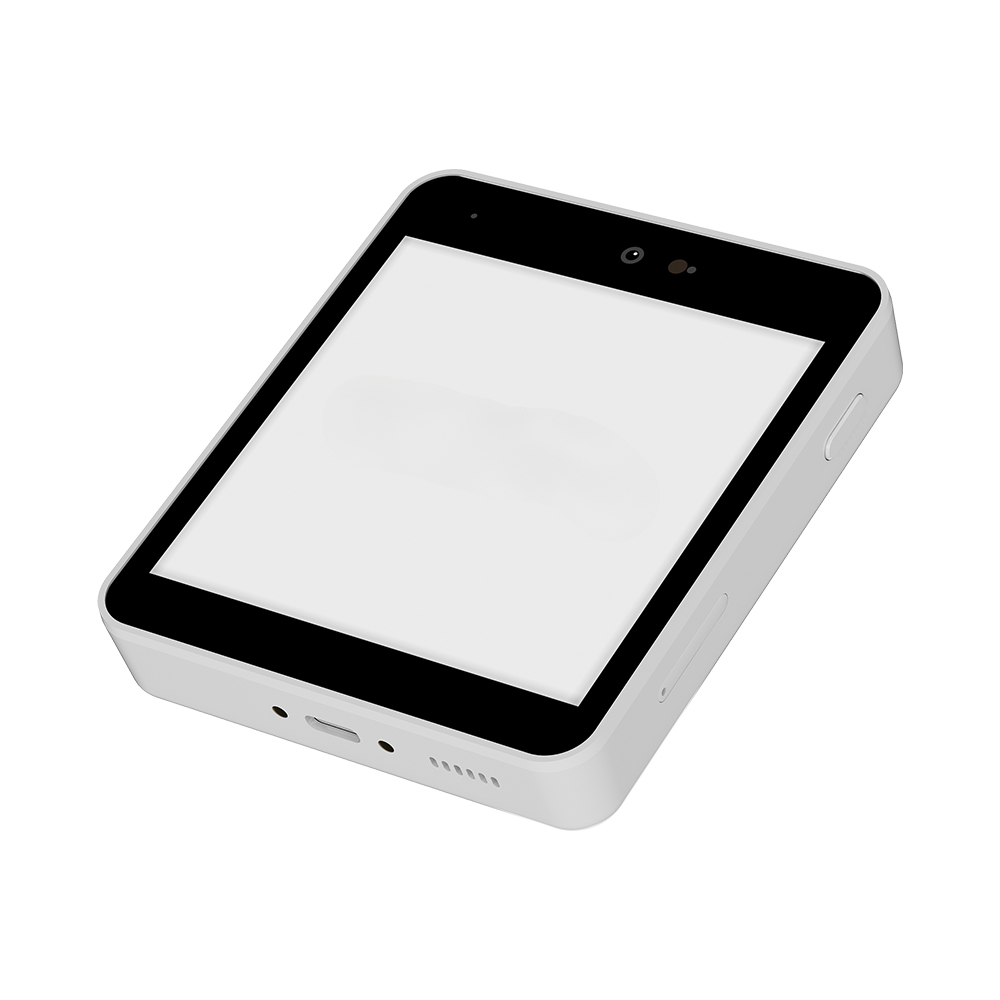
You must evaluate hardware features based on actual operational impact. Marketing brochures often exaggerate technical specifications. We will break down what these numbers actually mean for your daily workflows.
Manufacturers frequently highlight impressive milliampere-hour (mAh) ratings. You must evaluate these specific ratings against your actual shift lengths. A 2000mAh battery might sound incredibly powerful initially. However, dense barcode printing drains power rapidly. Standby time also impacts overall battery life significantly. If a device constantly searches for a lost wireless connection, it consumes excess energy.
Best Practice: Always test battery performance under heavy print density loads.
Common Mistake: Assuming high mAh automatically guarantees a full 12-hour continuous shift.
Technical specifications often list speeds like 90mm/s or 152mm/s. You must translate these theoretical numbers into actual transaction times. Higher speeds save precious seconds during peak rush hours. Time-to-first-print matters far more than maximum continuous speed. However, high speed requires adequate print resolution. Dots per inch (DPI) heavily determines image clarity.
203 DPI: Perfect for standard text receipts and simple brand logos. It processes faster.
300 DPI: Required for scannable 2D barcodes and complex QR codes. It prints slightly slower but ensures scannability.
Rugged operational environments demand durable equipment. You should read Ingress Protection (IP) ratings carefully. The first digit measures dust resistance. The second digit measures liquid protection.
Retail Use: IP42 offers basic protection against standard dust and minor water drips.
Warehouse Use: IP54 provides superior resistance against heavy industrial dust and splashing water.
You also need standardized drop-test ratings. A reliable printer must survive a 1.5-meter drop onto solid concrete. Mobile hardware inevitably falls during busy shifts. Objective testing metrics matter far more than subjective manufacturer claims regarding ruggedness.
A wireless printer serves no purpose if it cannot connect reliably. Connectivity standards dictate daily operational stability. Weak connections frustrate employees and anger waiting customers.
You need to understand the critical difference between legacy Bluetooth and Bluetooth Low Energy (BLE). Legacy Bluetooth (Classic) draws significant continuous power to maintain active connections. BLE drastically reduces battery drain during idle periods. Modern protocol versions ensure connection stability during peak operational hours. They minimize frustrating latency issues when sending complex print commands. Devices wake up instantly to print receipts without delays.
Cross-platform support prevents dangerous vendor lock-in. Your current checkout software might run on iOS today. You might transition to Android or Windows operating systems tomorrow. The printer must support all major platforms natively. Ensure comprehensive compatibility before purchasing bulk units. This flexibility saves significant integration headaches if you upgrade your core Bluetooth POS Terminal hardware eventually.
Software Development Kits (SDK) are absolutely critical for custom deployments. Robust developer tools allow seamless integration into proprietary retail architectures. Third-party POS software requires clean APIs to trigger print jobs correctly. Missing developer tools cause massive implementation delays. Always demand updated, well-documented SDKs from your hardware vendor. Developers need clear documentation to manage print queues and query device status.
Wireless data transmission carries inherent network security risks. You must evaluate basic Bluetooth encryption standards thoroughly. Unencrypted connections expose interceptable transaction data to malicious actors. Retail environments and healthcare facilities demand strict compliance protocols. Ensure your chosen hardware uses secure pairing mechanisms. Protect sensitive customer information at every single touchpoint.
Hardware management goes far beyond the initial unboxing experience. Hidden implementation risks often derail expensive technology rollouts. You must plan for long-term operational sustainability.
Some manufacturers intentionally design highly proprietary printers. These restrictive models require highly specific, brand-exclusive thermal rolls. This creates a dangerous operational bottleneck. You lose the flexibility to source standardized media from local suppliers. We strongly advise evaluating models accepting standard media widths. Standardized paper prevents sudden supply chain shortages. You maintain control over your daily consumable procurement.
Thermal printheads naturally degrade over extended time. Platen rollers eventually wear out from constant paper friction. You must evaluate the practical lifecycle of these internal components. Can your local IT team replace them quickly? Do you need to open a lengthy external service ticket? Easy maintenance designs keep your operations running smoothly. Complex hardware designs cause prolonged, unnecessary terminal downtime.
Implementation realities often challenge initial deployment plans. Employee training plays a massive role in successful rollout strategies. Paper loading mechanisms vary wildly between competing brands.
Drop-in Loading: Employees simply drop the roll inside and snap the lid closed. It takes seconds.
Threaded Loading: Requires careful media alignment through specific internal plastic guides. It causes jams frequently.
Drop-in designs minimize paper jams and reduce onboarding training time. You must also train frontline staff to troubleshoot dropped pairings effectively. Clear internal documentation drastically reduces daily operational friction.
Different operational environments require entirely different hardware specifications. A universal perfect printer simply does not exist. You must rigorously match features to your exact daily use case.
Here is a detailed framework to guide your internal selection process:
Use Case Environment | Primary Hardware Focus | Key Recommended Features |
|---|---|---|
High-Volume Retail | Checkout speed and connectivity | High mm/s speed, auto-cutters, stable BLE protocols |
Logistics & Warehousing | Durability and power capacity | IP54+ rating, high-capacity battery, label peeler |
Mobile/Pop-up Services | Portability and convenience | Lightweight form factor, belt clips, 58mm paper standard |
Prioritize absolute print speed and integrated automatic cutters. Cashiers need customer receipts printed and cleanly severed instantly. Seamless pairing stability with your primary terminal prevents long checkout queues from forming. Fast processing keeps foot traffic flowing smoothly during peak holiday seasons.
Prioritize physical ruggedness above all else. Seek out certified IP54 ratings or higher. High-capacity batteries ensure workers finish long continuous shifts uninterrupted. Label peeler and dispenser features save precious seconds when tagging heavy pallets. Devices must withstand extreme temperature fluctuations inside storage facilities.
Prioritize the physical form factor carefully. Evaluate hardware weight and belt clip mechanics closely. Event staff carry these devices physically all day. Bluetooth Low Energy efficiency keeps devices running reliably outdoors. Standardized paper widths make emergency resupply much easier during busy temporary events.
Never purchase mobile hardware in bulk blindly. Advise your key project stakeholders to request a physical demo unit first. You must physically test custom SDK integration within your live environment. Verify physical pairing stability with your existing hardware directly. This simple evaluation step prevents disastrous software deployment failures down the line.
The best Bluetooth thermal printer ultimately removes operational friction completely. It should seamlessly adapt to your specific retail or logistics environment. Reliable hardware fades into the background quietly during demanding daily tasks. You should never notice it working.
Remind your procurement team to verify all software compatibility lists closely. Check extended warranty terms thoroughly before finalizing any major purchase orders. Hardware longevity matters just as much as initial daily performance. Protect your infrastructure investments carefully.
Take time to review a detailed product comparison matrix today. Request a formal technical consultation to evaluate your specific workflow needs. Optimize your full technology stack to guarantee maximum efficiency across every single customer touchpoint.
A: No. Compatibility depends entirely on the POS software's supported printer list and available SDKs. A successful Bluetooth hardware pairing does not guarantee the software will successfully send print commands.
A: No. Direct thermal printers use specialized heat-sensitive paper. The heated printhead activates chemicals within the paper to produce images. This eliminates ink replacements entirely but requires specific consumable rolls.
A: They typically last 6 to 12 months depending on UV and heat exposure. They are perfectly suitable for temporary receipts and shipping labels but fail quickly as permanent asset tags.
A: Common culprits include excessive physical distance and interference from nearby 2.4GHz devices. Aggressive operating system power-saving modes or outdated legacy Bluetooth protocols also cause frequent connection drops.
